Procurement Resource / RFQ Preparation
How to Prepare a Custom Light Box RFQ
A decision-ready RFQ gives the reviewer enough project context to identify missing information, discuss configuration and define the commercial scope before quotation.
Start with the application, dimensions, quantity, sidedness, mounting, finish, lighting requirement, destination, target date and whether an authorized drawing or reference is available.
01 / Minimum brief
Ten inputs make the first review more useful
You do not need every technical answer. State what is known and mark uncertain items as “Not sure” or “Need recommendation”.
Application
Where the display will be used and what outcome it should support.
Dimensions
Width, height, unit and any known depth or site restriction.
Quantity
Expected unit count or a clear preliminary estimate.
Viewing direction
Single-sided, double-sided or not yet known.
Mounting / placement
Wall, suspended, freestanding or another project-specific interface.
Finish / colour
Known finish direction, colour reference or sample requirement.
Lighting / control
Illumination intent, destination market/voltage context and any control request.
Destination
Destination country and any known delivery or site constraints.
Target date
Requested project date. Lead time is confirmed only after scope review.
Drawing / reference availability
State whether an authorized drawing, image or physical reference exists. The current form has no file upload; files may be requested later.
02 / Known vs uncertain
Separate requirements from decisions still to be made
State known requirements
- Application and overall geometry
- Quantity, destination and target date
- Brand/finish direction
- Site or mounting context already defined
Mark unknowns clearly
- Exact profile or depth
- Single vs double sided
- Lighting arrangement
- Supply state, sample scope or feasibility
03 / Evidence-led review
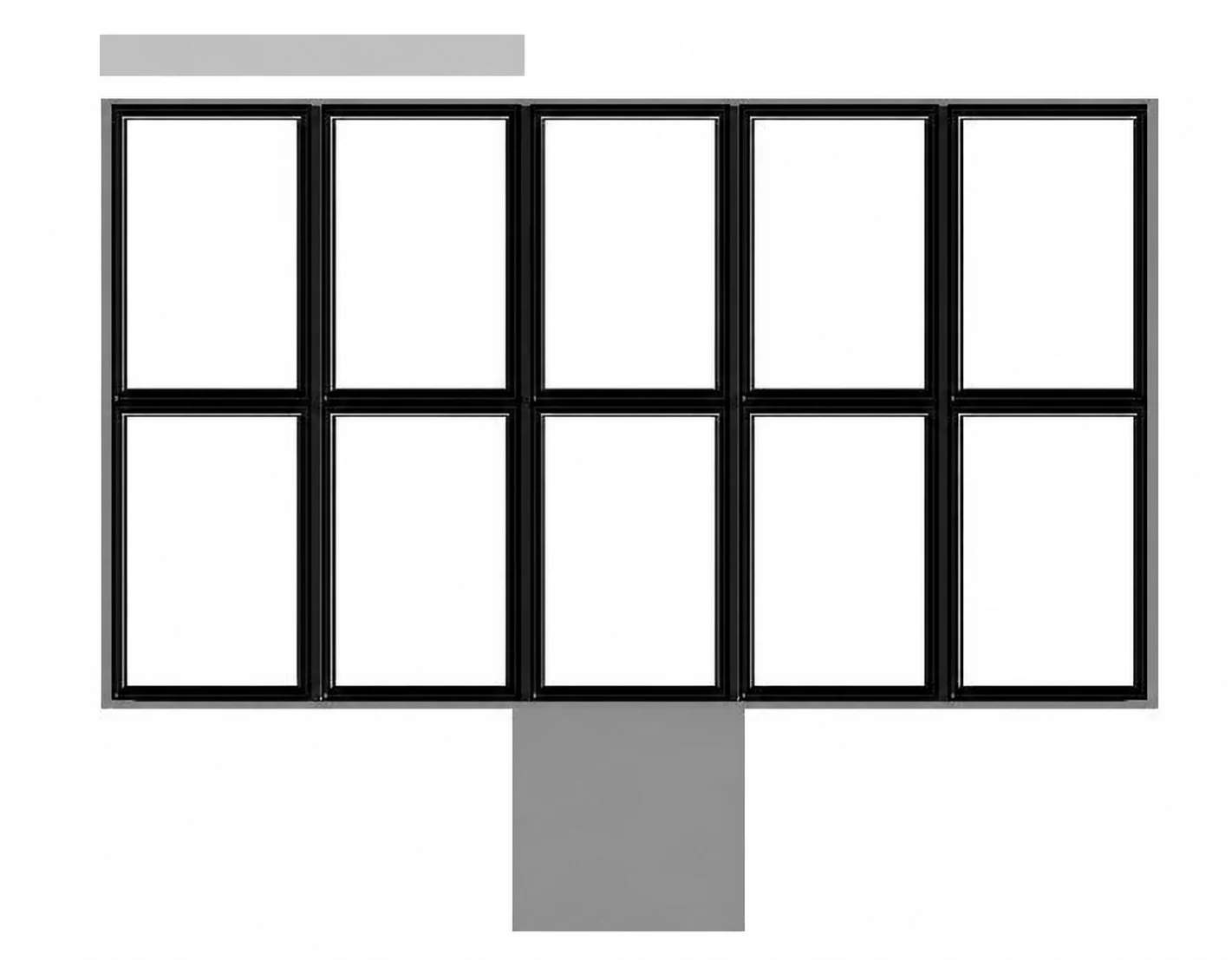
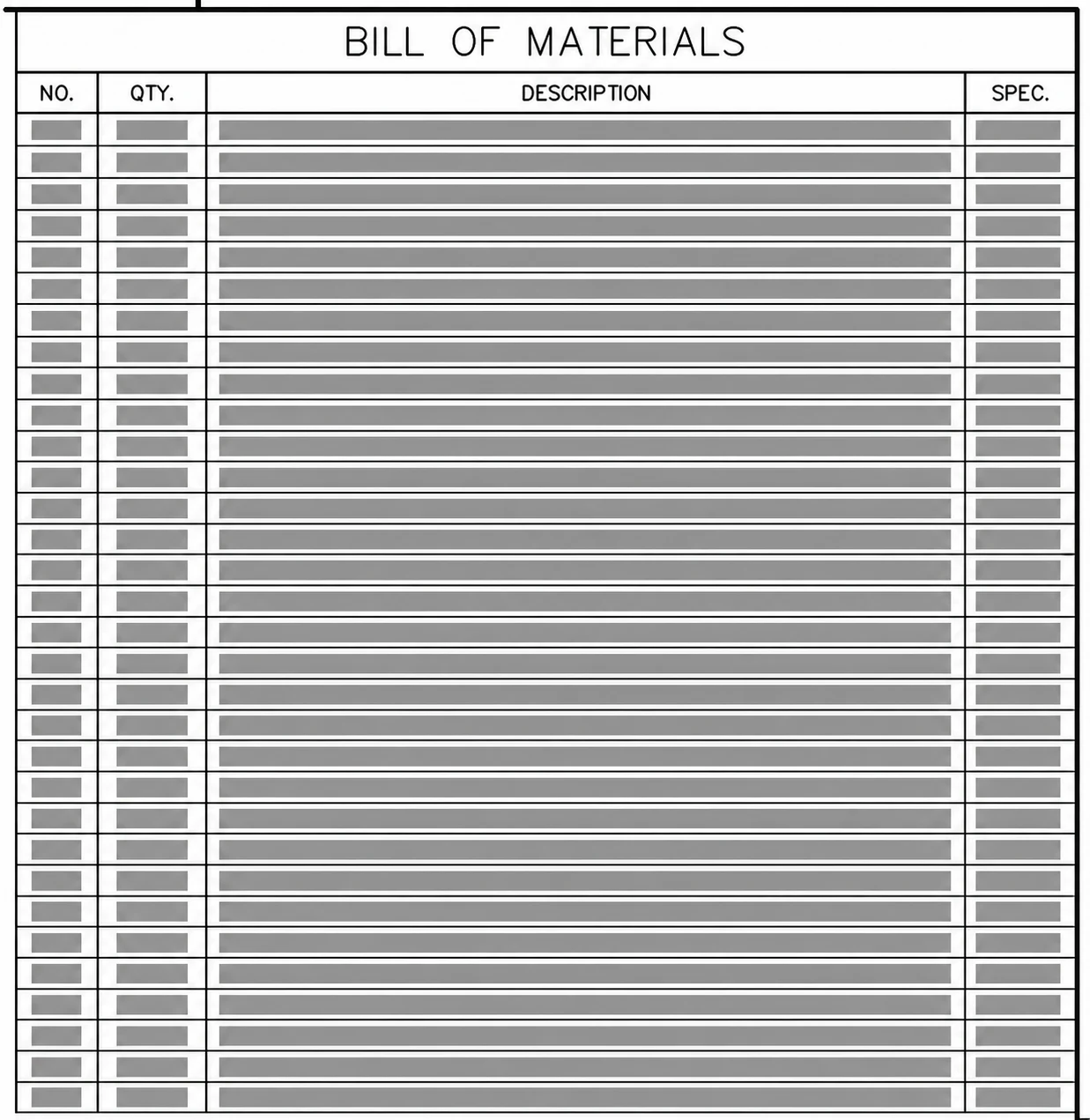
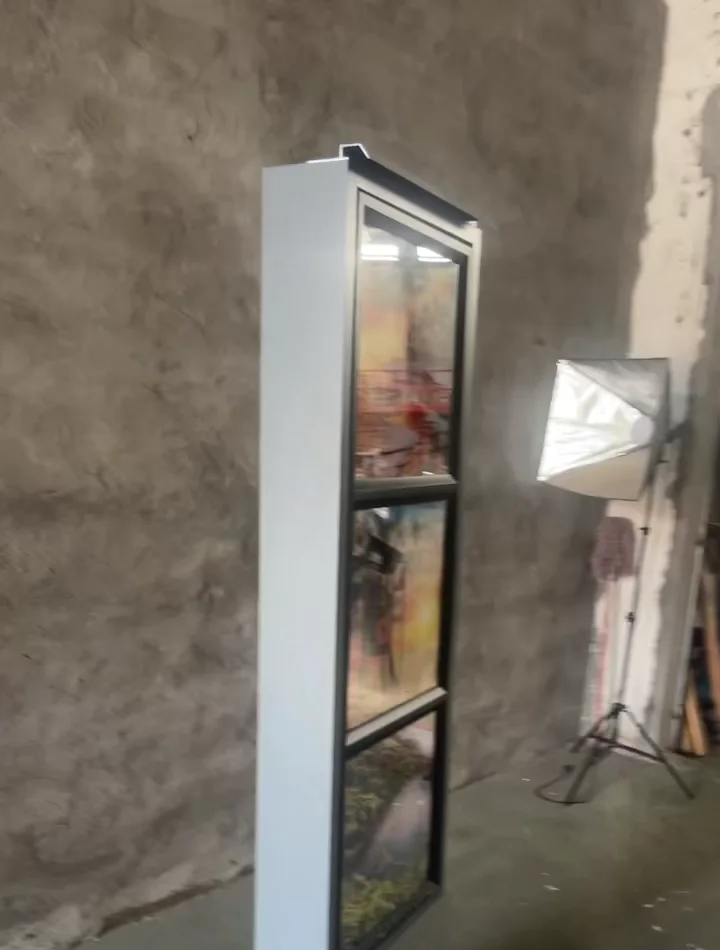
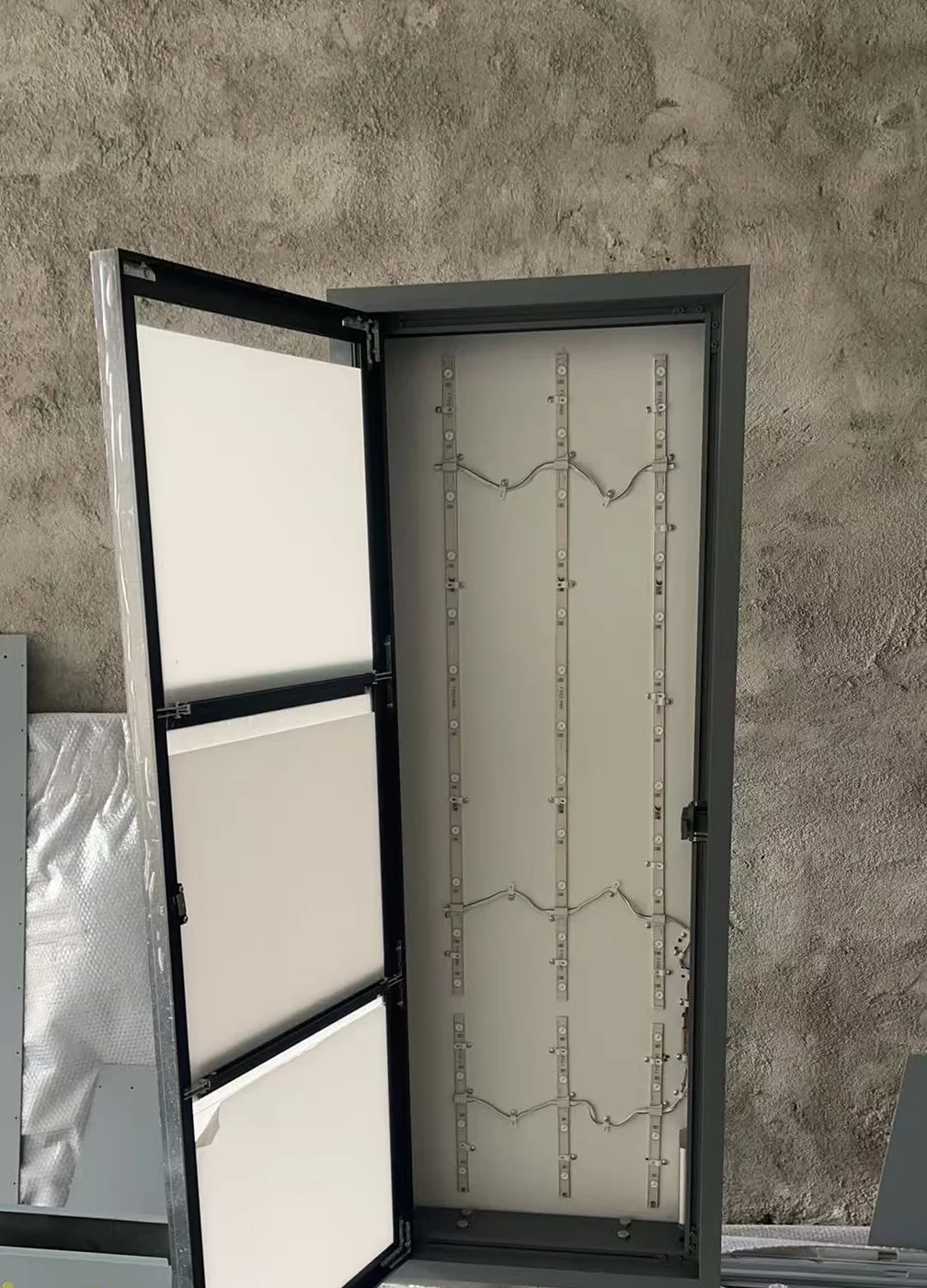
A drawing can become a reviewable physical sequence
This privacy-safe example shows the role of an authorized drawing and BOM in clarifying structure before a sample and internal lighting layout are reviewed.
04 / Before quotation
Commercial conditions follow the reviewed configuration
Project-specific
Profile, size, structure, finish and lighting direction are discussed against the actual brief.
Human review
Submission does not approve the requested form, structure or supply scope.
After scope review
No fixed MOQ or price is promised by this guide or the RFQ form.
After requirement review
Timing is confirmed only after drawing, quantity, finish and scope are understood.
05 / Review path
What happens after you submit
Requirement review
The submitted application and project context are read by a person.
Missing-information check
Unknowns and conflicting inputs are identified.
Configuration discussion
System, profile, sidedness, mounting and finish directions are discussed.
Drawing/reference request
Authorized files may be requested through an agreed channel if needed.
Scope confirmation
Feasibility and available supply scope are clarified.
Quotation or sample discussion
Commercial or sample scope is discussed only after review.
06 / Working tools
Choose the format that fits your team
Project Brief PDF
A printable worksheet for the first requirement discussion.
Download PDF →Editable Project Brief
An XLSX worksheet for multi-person procurement preparation.
Download XLSX →Live RFQ
Submit the minimum project context without file upload.
Prepare Your RFQ →Send a decision-ready brief
Start with what you know. Mark what still needs review.
Project feasibility, configuration, price, MOQ and lead time are confirmed only after the submitted requirement is reviewed.